Introducing Mission Alarms in LiMinder 5.0.0: Wake Up with Purpose
Almost everyone has experienced the morning snooze trap: your phone alarm rings, your hand reaches over on pure muscle memory, you swipe stop, and before you know it, forty minutes have vanished. Today, we are excited to release LiMinder 5.0.0, introducing Mission Alarms and the intelligent Wake Up Check to help you wake up focused, alert, and on schedule.
Why Traditional Alarms Fail
When your alarm sounds, your brain is transitioning out of deep sleep. In that semi-conscious state known as sleep inertia, your prefrontal cortex is barely active. Swiping dismiss requires virtually zero cognitive effort, making it dangerous for students and professionals who have crucial morning lectures or commitments.
LiMinder 5.0.0 solves this by requiring you to complete an interactive challenge to disarm the alarm. By engaging your brain through arithmetic, memory recall, trivia, or physical movement, sleep inertia is broken before your head can touch the pillow again.
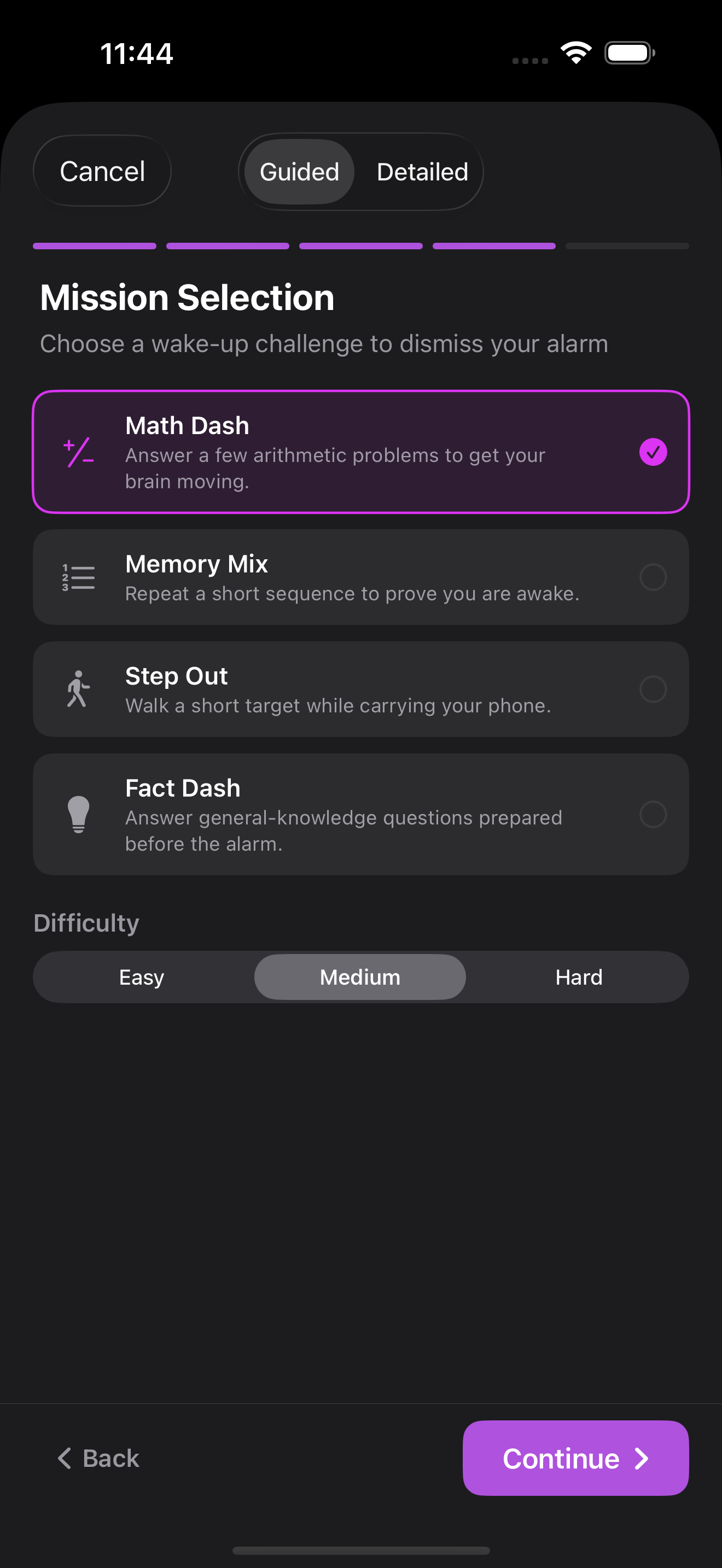
Four Mission Challenges for Every Morning Style
Math Dash
Solve rapid arithmetic problems tailored to your preferred difficulty level. Activating logical calculation forces your reasoning center to boot up quickly.
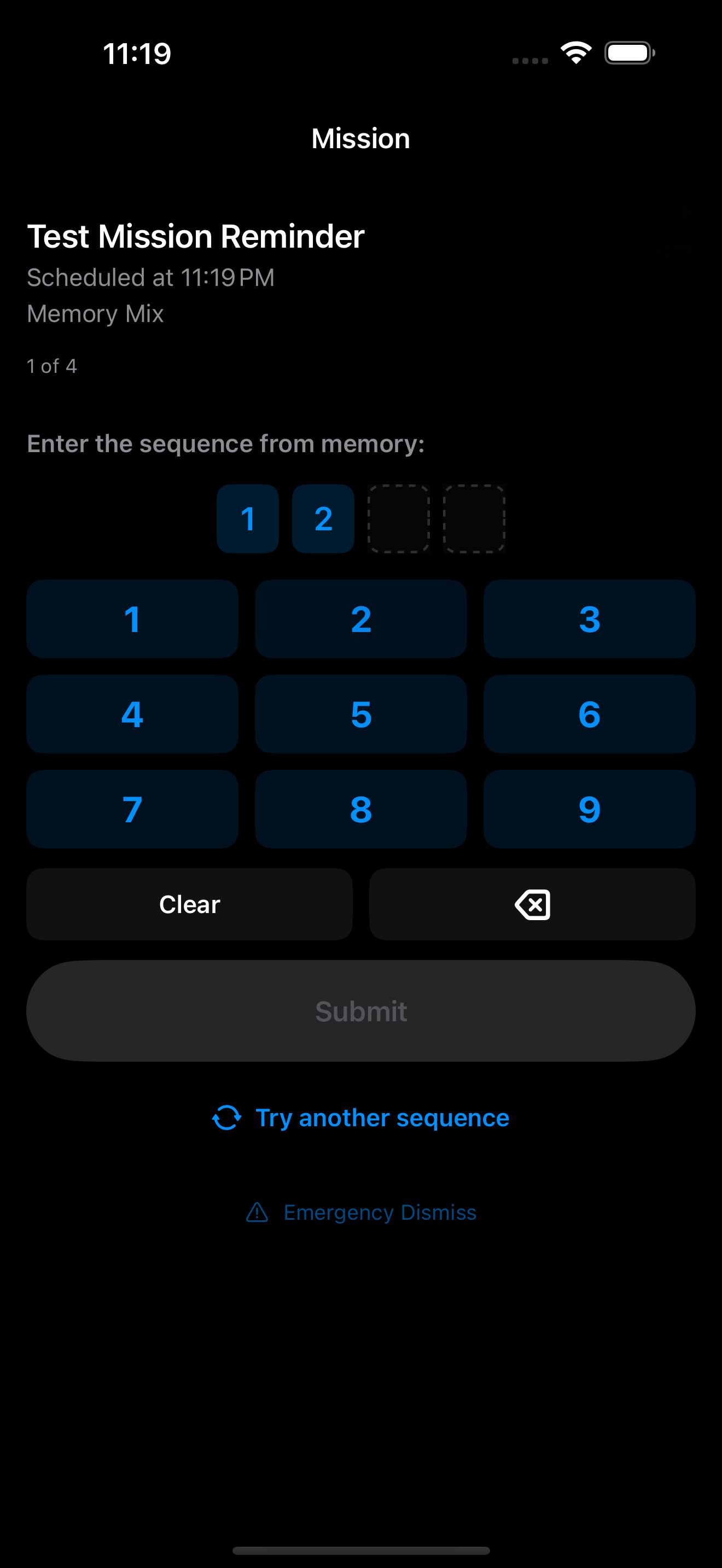
Memory Mix
Watch a sequence of dynamic tiles light up and reproduce the exact pattern on a clean keypad. Exercises working memory and visual focus.
Fact Dash
Answer trivia questions from engaging categories like science, history, geography, and entertainment. Jumpstart your curiosity from the moment you wake up.
Step Out
Physically get out of bed and walk a target number of steps. Powered by on-device motion hardware, the alarm only stops once you are on your feet.
The Game Changer: Intelligent Wake Up Check
Solving a puzzle is great, but what happens if you crawl straight back under the duvet? This is where standard puzzle alarms fall short. LiMinder 5.0.0 solves the second sleep phenomenon with our new Wake Up Check:
How Wake Up Check Protects Your Morning
1. When you solve your initial mission, a quiet follow-up countdown begins (from 1 to 5 minutes).
2. A high-priority, time-sensitive notification arrives asking: "Are you awake? Tap to confirm."
3. If you confirm, your alarm is finalized and you are ready for the day.
4. If you fail to confirm before the timer expires, an escalating full-volume catch alarm sounds immediately, requiring you to re-solve the mission to prove wakefulness.

Built for Real Life: Safety and Routine
We built Mission Alarms with practical student and professional needs in mind:
- Morning Briefing: As soon as your alarm is solved, see your current discipline streak, mission solve time, and your complete agenda for today so you hit the ground running.
- Emergency Tap Disarm: In a quiet environment like a library or when a roommate is ill, tap the screen 100 times to safely dismiss without sound.
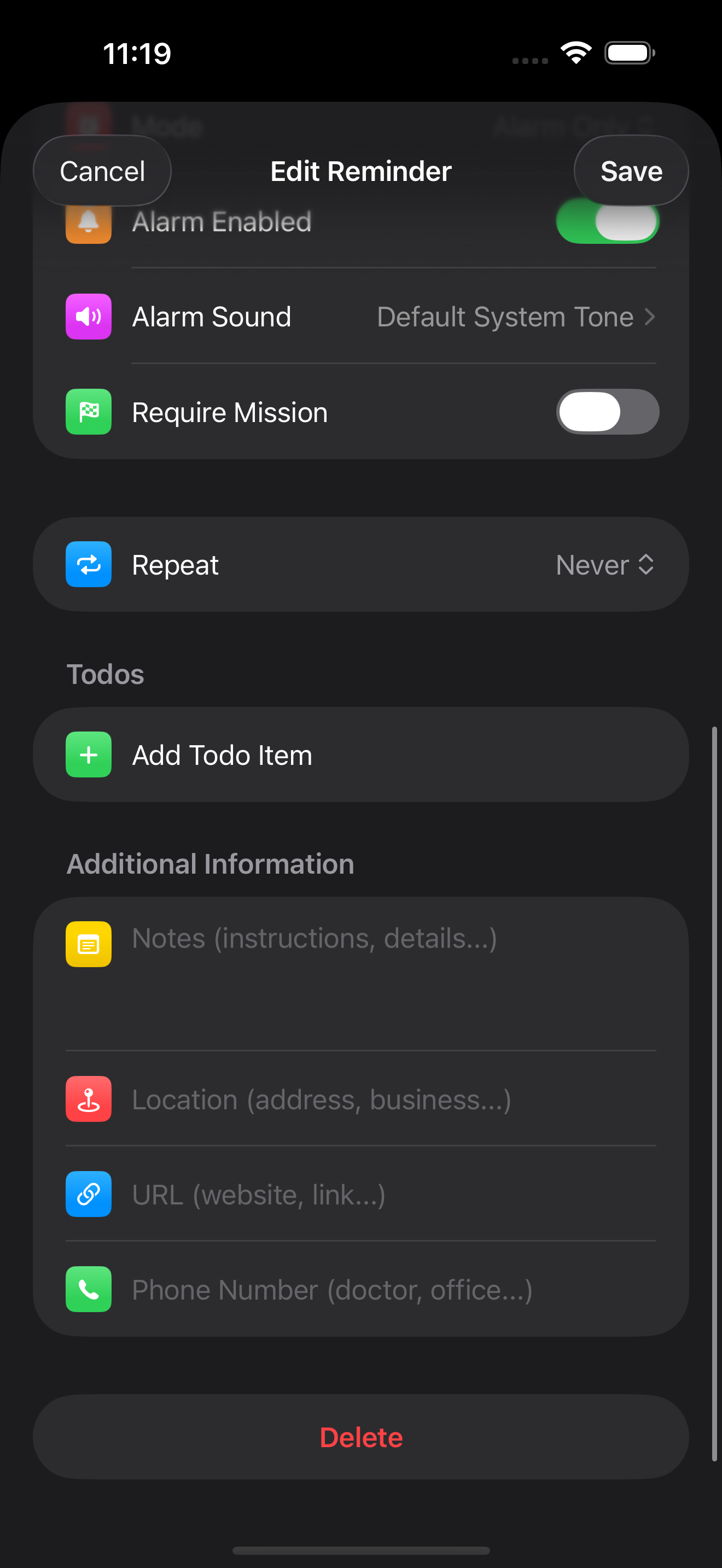
- Flexible Recurring Schedules: Configure weekday alarms for class schedules. Once solved, recurring alarms advance automatically to the next school day.
- 100% On-Device Privacy: Step counting, audio processing, and mission evaluation operate entirely on your iPhone with zero tracking or external server transmission.
Ready to conquer your mornings?
LiMinder 5.0.0 is available now on the App Store. Every user gets a 7-day free trial of LiMinder Premium.
Download on the App Store