The ADHD Student's Guide to Digital Clarity
Most to-do apps try to do everything. That sounds useful, but if you have ADHD, every extra button and setting is one more thing competing for your attention. Before you know it, you've forgotten what you opened the app for.
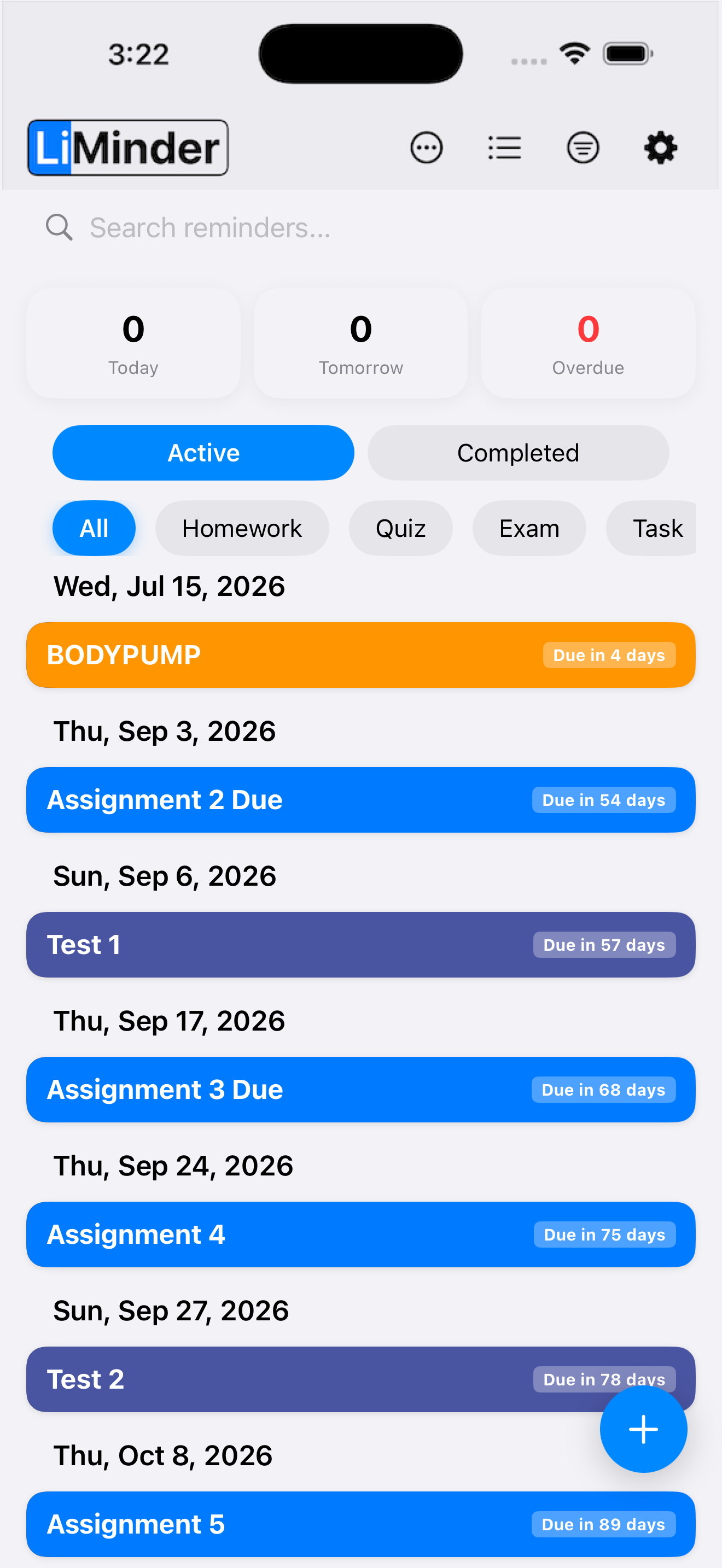
LiMinder was designed to cut through that noise. The idea is simple: get the task out of your head as fast as possible, then sort out the details when you have time. It combines three things that work well together for ADHD - voice input for quick capture, a visual timeline that shows your day at a glance, and a focus timer built into every reminder.
Why Most To-Do Apps Don't Work
Think about what it takes to add a single task in a typical app. You open it, tap the new-task button, type a title, pick a date, pick a time, choose a priority, maybe add a tag. That's six or seven steps just to write down one thing. Each step is a chance to get sidetracked. LiMinder skips most of them. Open the app, say what you need, done.
Voice Input
Voice input is the fastest way to add a reminder in LiMinder. Tap the mic and say something like "Biology quiz next Friday at 2pm." The app pulls out the date, time, and subject from what you said. No typing, no menus, no picking from lists.
You don't need to get everything right on the first try. What you say gets saved immediately, and you can edit any part of it later. The point is getting the thought out of your head before it disappears.
Built-in Focus Timer
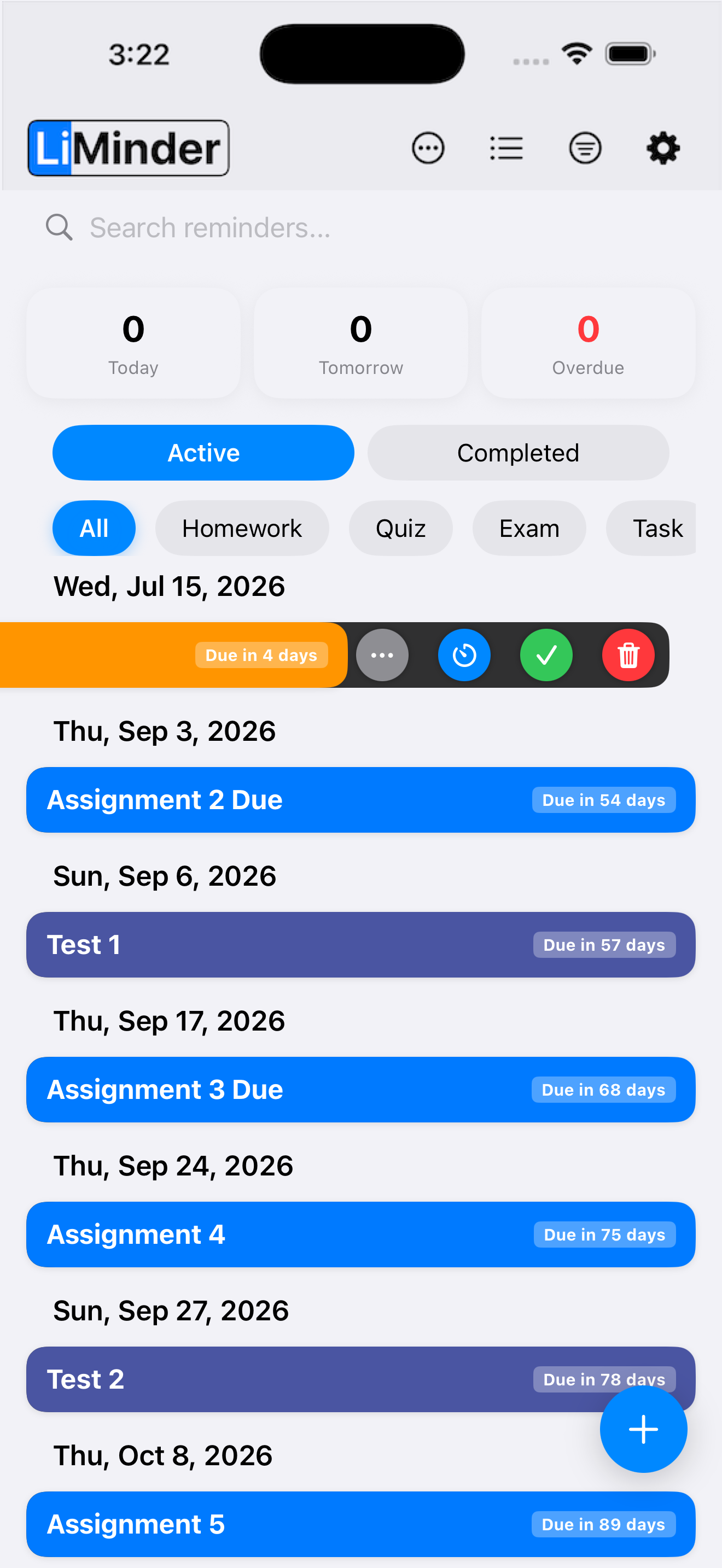
Getting tasks into the app is one thing. Actually starting them is another challenge entirely. LiMinder includes a focus timer that's attached to every reminder. Tap the timer icon on any task and it starts a focused work session. You set how long you want to work - 15 minutes, 25 minutes, an hour, whatever works for you. There's no need to open a separate Pomodoro app or configure anything. The timer is right there, tied to the task you picked.
Tracking Your Time
The app keeps track of how many minutes you spend on each course. These sessions show up on your timeline, color-coded by subject, so you can see at a glance how your study time is distributed. Over days and weeks, it becomes clear where your effort is actually going - which courses are getting enough attention and which ones might need more.
Try LiMinder for free
Voice input, visual timeline, and focus timer - all in one place.
Download on the App Store